

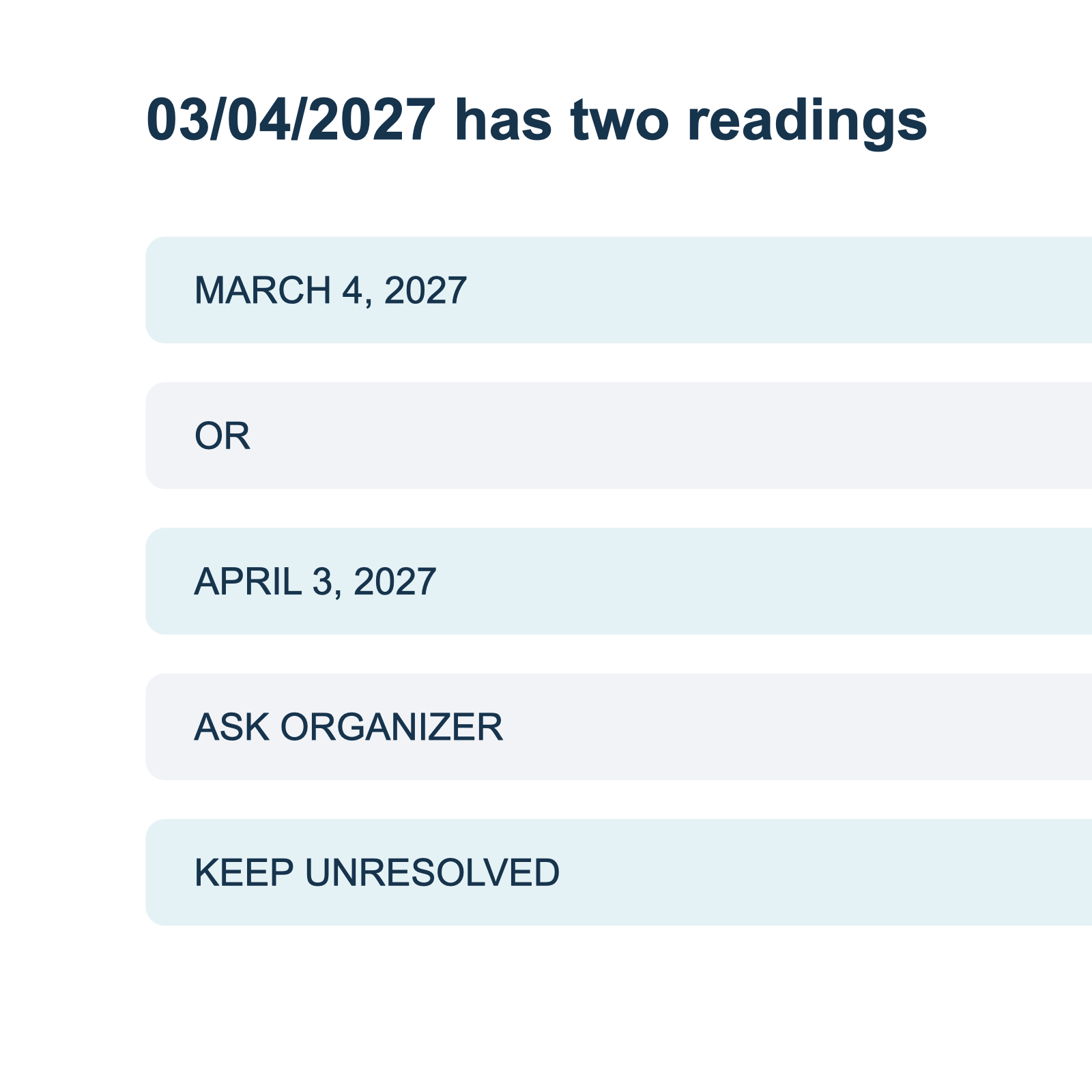
A notice says 03/04/2027. Depending on the date order used by its author, that can mean March 4 or April 3. Both are valid calendar dates. A calendar app can accept either one, but accepting a value does not establish which date the organizer intended.
Keep the original text alongside both possible readings until you have a source that resolves the order. A message from the organizer, a current registration page, or a notice that spells out the month can resolve the question if it clearly refers to the same event.
Keep the clarification traceable
Record the organizer's response and the date you received it. If the response uses another numeric date, ask for the month in words. If the organizer confirms the day but not the year or time zone, those fields remain separate questions. Do not interpret one confirmed field as confirmation of every other detail on the notice.
Start with the whole notice
Look beyond the date itself. Record the event title, venue, organizer, start time, and any registration link. These details help you match another page or reply to the same event. A search result with a similar title is not enough if it describes a different session or an earlier year.
A useful record has five fields:
| Field | What to write |
|---|---|
| Original date | Copy the numeric string exactly, including the year. |
| Possible readings | Write each valid reading with the month spelled out. |
| Event identity | Record the title, organizer, venue, and any session identifier. |
| Evidence | Note the page or person that confirms the date and when you checked it. |
| Status | Mark the date unresolved until the evidence supports one reading. |
This record is a review aid, not a new statement from the organizer. If a detail is absent, leave it blank or mark it unknown. Do not fill the gap with a plausible time or location.
Worked example: two valid readings
The following notice is fictional and created for this example:
Community repair workshop. Date: 03/04/2027. Time: 2:00 PM. Venue: Harbor Room. Contact the organizer for registration.
Read as month/day/year, the date is March 4, 2027. Read as day/month/year, it is April 3, 2027. The notice does not specify a date order, and the fictional venue and title do not establish one. The correct status is therefore unresolved.
A useful question to the organizer is: "For the Community repair workshop at Harbor Room, does 03/04/2027 mean March 4 or April 3?" Ask about the named event and location so that the reply can be matched to the notice. If the organizer answers with a full date, save that answer next to the original notice. If the reply changes the venue or describes another session, check the match before using it.
The Office for National Statistics date guidance recommends writing the month in full in its own content. That convention is useful when requesting clarification because it removes this particular numeric ambiguity. It does not tell you how the organizer formatted the original notice.
When one interpretation is impossible
Some numbers rule out one reading. In 17/05/2027, 17 cannot be a month in the ordinary Gregorian calendar, so a day-first reading is consistent with the numbers. That still leaves a separate question: is the notice accurate and current? A date that can be parsed is not proof that a later correction was never issued.
If the date says 04/17/2027, the opposite numerical constraint applies: 17 cannot be a month, so the month-first reading is consistent. Neither example establishes a universal house style for another notice by the same organization. Different documents can come from different systems or authors. Confirm with the event source when the cost of a wrong entry is meaningful.
If neither reading is valid, check for a transcription error, a missing separator, or a different notation. Do not fix the number by choosing a nearby date. Preserve the original and ask the organizer to restate it with a spelled-out month and year. A short record of that exchange makes the eventual calendar entry easier to check later.
Check the year independently
A year can appear in a notice header, a publication timestamp, or the event date. Those are different fields. A notice published in one year may announce an event in the next. If the year appears only in the publication date, ask whether it also applies to the event.
Likewise, a weekday can be a clue but is not conclusive. A publisher can make a typo in either the weekday or the numeric date. When they conflict, preserve both and ask the organizer which one is correct. Do not silently choose the value that seems more likely.
For a missing year, use the missing-year review guide. For the difference between a publication date and an event date, see notice date versus event date.
Review the time and location separately
Once the date order is confirmed, check the time and place before entering an event. A date confirmation does not automatically confirm a start time, end time, or time zone. If the event is online, ask which time zone the organizer used. If it is in person, check that the venue and city belong to the same session as the confirmed date.
Time zone rules can change, and a local time can be affected by daylight saving transitions. Google Calendar's time-zone guidance explains how that destination handles time zones and notes that rule changes can affect events. It does not resolve an ambiguous notice by itself.
Before you send anything to a calendar
Review the full date with the month written out, the start time, the time zone, and the event identity. Keep unresolved fields visible. If the source does not provide an end time, do not treat a calendar's suggested duration as an organizer-confirmed fact.
A structured document can hold the source text and your review notes together. Recap is designed around a readable document followed by Calendar, Workspace, and Learning options. Availability and presentation depend on the client. You can use the source-to-structured-document tool to begin with one notice, and the date review template to keep the evidence and remaining questions together.
The same approach applies when an event crosses midnight or when clocks change. See the overnight date boundary guide and the daylight saving time check before deciding which date and time to enter.
For the calendar fields to review, see the screenshot-to-calendar workflow and image-to-calendar field guide.
Continue in Recap
Turn this source into a Recap Document
Make it easier to read, then send time-based details to Calendar, export it to Workspace, or start PBL Learning.