

An overnight train ticket can show a late departure on one date and an early arrival on another. When you create a calendar entry, check both dates as well as the station names and local times. If the ticket does not state an arrival date, confirm it with the operator instead of filling the gap from the clock time alone.
The example in this guide is fictional. Train schedules, boarding procedures and station requirements vary by operator and service. Use the current reservation and carrier guidance for your own journey.
Read the ticket as two endpoints
Start with the departure station, date and time. Then locate the arrival station, date and time. Record the year and the local time zone for each endpoint if the journey crosses zones. Keep the train number and operator alongside the dates so you can check the right service later.
| Field | What to record | What to check |
|---|---|---|
| Operator and train | Name and service identifier | Is this the current booked service? |
| Departure | Station, date and local time | Does the date include the year? |
| Arrival | Station, date and local time | Does the source explicitly state the date? |
| Time zones | Verified zone at each station | Does the route cross a zone boundary? |
| Boarding | Stated instructions and source | Are there service-specific procedures? |
| Status | Latest provider update | Has the schedule changed since the screenshot? |
A date printed next to a purchase confirmation or receipt is not automatically the departure date. Similarly, a station arrival instruction is not necessarily the train's scheduled departure. Preserve the labels when you copy the values.
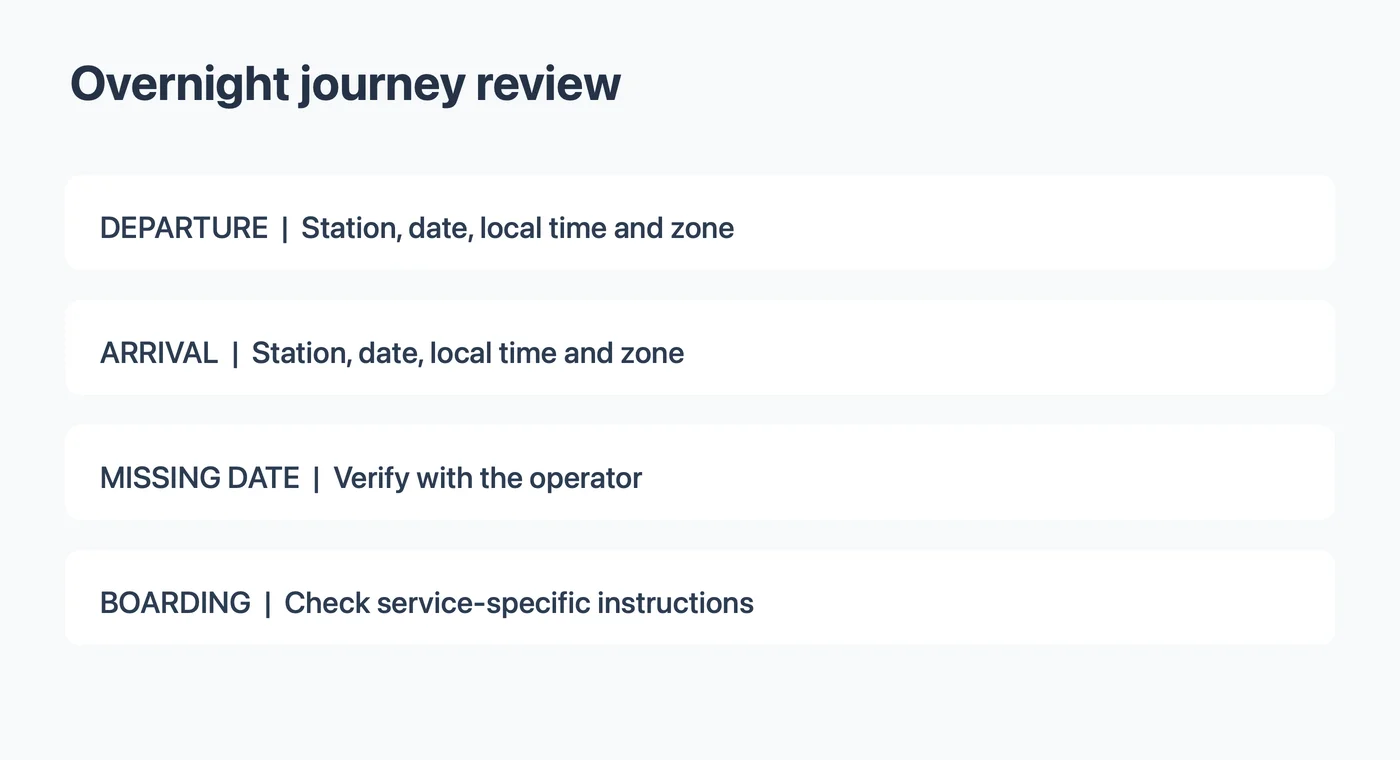
Worked example: a fictional overnight ticket
Suppose an invented reservation reads:
Train R12 departs North Station on November 6, 2027 at 10:40 PM. It arrives at South Station on November 7 at 7:10 AM. Times are local to each station.
The train, stations and values are fictional. The arrival is on November 7 because this example explicitly says so. It does not identify either time zone, so the traveler must verify the zones before entering the journey as a timed calendar event.
| Item | Fictional source | Review decision |
|---|---|---|
| Departure | November 6 at 10:40 PM | Record with North Station and its verified zone |
| Arrival | November 7 at 7:10 AM | Record with South Station and its verified zone |
| Boarding time | Not stated | Check carrier instructions; do not invent a value |
| Platform | Not stated | Check the operator or station when available |
If the same example had said only “arrives 7:10 AM,” the date would be unresolved. The likely overnight interpretation is a question to check, not a value to insert without confirmation. A timetable, full reservation or carrier can provide the missing detail.
Watch for local-time and date boundaries
A calendar often displays events in the zone selected for viewing. If the start or end is set to the wrong zone, the saved time may represent a different moment even when the clock digits look familiar. Confirm the station locations and the zones applicable on the travel dates.
On a computer, Google Calendar documents separate start and end zones. Apple Calendar on Mac documents individual event time-zone support. The controls available to you may differ. After saving, open the event and compare both local endpoints with the carrier's reservation.
A train can cross a date boundary, a time-zone boundary, both or neither. Do not derive an arrival date by assuming a fixed duration or comparing two local clock values. Use the operator's stated arrival date. If a zone abbreviation is unclear, the event time-zone abbreviation guide can help you record the ambiguity while you verify it.
Keep boarding instructions distinct
The departure time is not automatically the time you should arrive at the station. Operators may give specific instructions for a service, station, luggage or boarding process. Read the instructions for your actual train.
For example, Amtrak's boarding guidance describes different procedures for certain stations and services. Its examples are specific to Amtrak and should not be generalized to another operator. If your booking gives a check-in or boarding deadline, label it separately from the train's departure and add a personal reminder if useful.
Do not create a platform number from an old screenshot if the operator has not confirmed it. A calendar note can say where to check current information. Revisit the carrier's latest service status and station instructions near departure.
Choose a calendar representation
A timed event can represent the journey from departure to arrival when the dates and time zones are verified. Give it a title that identifies the train and destination. Include station names in the location or notes, subject to your calendar's sharing settings.
If your calendar cannot represent both endpoint zones clearly, consider separate departure and arrival reminders or follow the calendar provider's documented method. Check the resulting entries in the destination calendar. A personal reminder to reach the station early is your own plan; it is not proof of a carrier deadline.
If the arrival date remains unknown, do not save an invented complete journey. A departure reminder with a note to confirm arrival may be more useful while you resolve the missing information. Preserve the original ticket so that you can compare it with any later update.
Review an image before sending it to Calendar
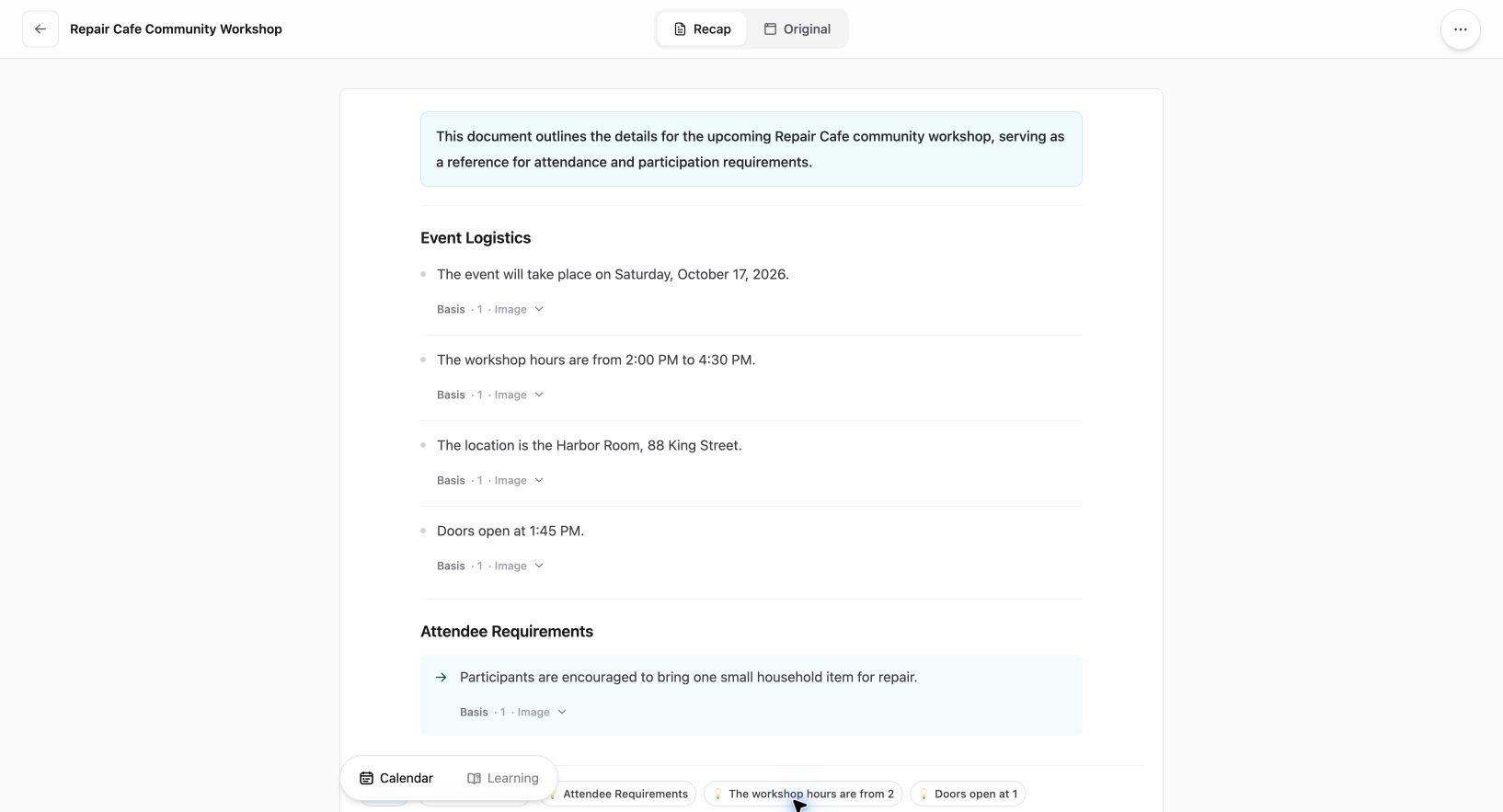
Current Web interface shown with an existing fictional workshop source; this is not a travel extraction example.
If the ticket is a screenshot, a structured document can make its fields easier to read. With Recap's screenshot-to-calendar tool, start with the image and compare the resulting document with the original. When you open a Calendar Sheet, check its title, date and time; correct or cancel it if something is missing or uncertain. Verify the saved event and its time-zone settings in your calendar.
The image-to-calendar field guide covers additional checks. A generated document or sheet does not guarantee that the ticket is current or that a schedule change will update automatically. Keep access to the carrier's reservation and current status.
Before sharing an image, mask passenger names, booking codes and other details that the recipient does not need. Check whether your calendar shares notes or event details with others before pasting reservation information.
Before you board
Compare the current booking with your calendar: station names, departure date and time, arrival date and time, and verified zones. Check the provider's current boarding instructions and any platform or service changes. If a value still conflicts, use the carrier's current confirmation or ask the operator rather than relying on an older screenshot.
The overnight date-boundary checklist covers another case where the end date needs review. Learn more about Recap Documents.
Continue in Recap
Turn this source into a Recap Document
Make it easier to read, then send time-based details to Calendar or start PBL Learning.