
Source to document
Turn a source into a readable document
Recap organizes material you already have into a structured document that is easier to read, judge, and use.
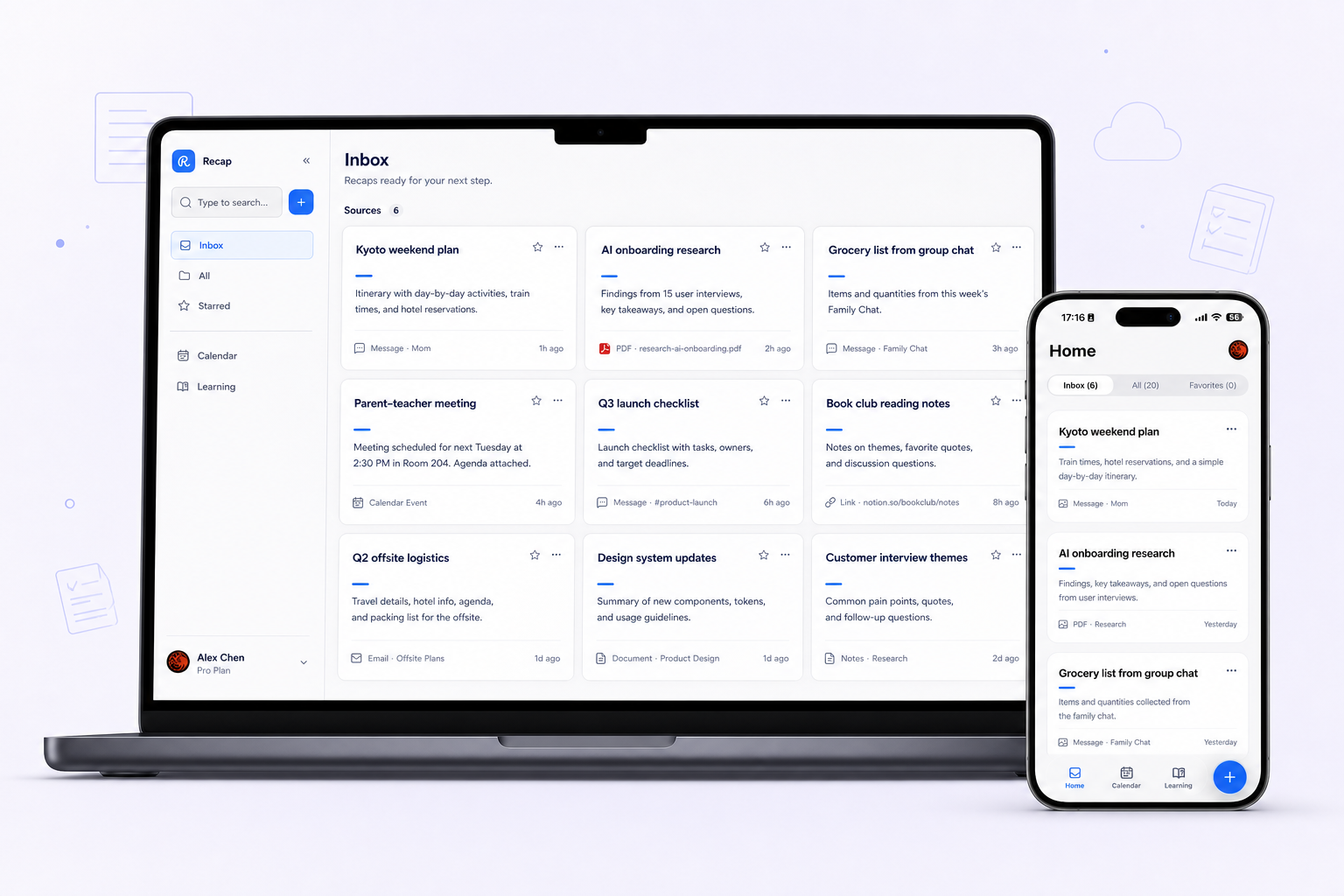
What it helps with
A clearer way to inspect the material.
- Separate key points from supporting detail
- Choose the document mode that fits the source
- Keep Calendar, Workspace, and Learning ready as next steps
Keep the boundary clear
What it does not do
Recap does not replace your calendar, notes app, workspace, or task manager.
Bring in
Sources you already have.
- Webpages
- PDFs and documents
- Images
- YouTube videos
- Presentations
Recap Document
A document mode that fits the source.
- Action
- Decision
- Understanding
- Reference
How it works
From source to a useful next step.
- 01
Bring in one source
Add a webpage, document, image, YouTube video, or presentation to Recap.
- 02
Read the Recap Document
Recap organizes the source into an Action, Decision, Understanding, or Reference document.
- 03
Choose the next step
Send time-based details to Calendar, export the document to Workspace, or start PBL Learning.
Keep exploring
More ways to work with a source.
Recap tool
Text Simplifier
Make dense source material easier to understand by turning it into a structured readable Recap Document.
Open toolRecap tool
Screenshot to Calendar
Turn time-based details in a screenshot into a reviewable Calendar Sheet before sending them to your calendar.
Open toolRecap tool
Source to Workspace
Turn a source into a structured Recap Document and export it to the notes or workspace tools you already use.
Open toolFrom the journal
Read the deeper guide.
Guides and Tutorials
Turn Customer Feedback Into a Structured Note
Organize one customer-feedback message without inventing a cause or a trend. Keep reported behavior, feature requests, and follow-up questions separate.
Guides and Tutorials
How to Build a Decision Brief From One Source
Build a decision brief from one source with a reusable template, source-backed facts, reader criteria, worked examples, and questions to resolve.
Guides and Tutorials
Turn a Policy Notice Into an Action Brief
Read a service-change notice by scope, date, and applicability. Create an action brief that keeps publisher instructions apart from your own plans.
Guides and Tutorials
Turn a Product Review Into a Decision Brief
Turn a product review into a buyer-specific brief. Separate specifications, reported tests, personal requirements, and evidence still needed.
FAQ
Questions before you start.
Ready when you are