

A document can look finished and still be unsafe to hand off. The title is clear, the paragraphs read smoothly, and the file opens. But the source link is missing, the date no longer matches, or a decision appears without its owner. A short review before export catches those gaps while the original source is still easy to find.
Use this checklist for notes, briefs, meeting records, or research summaries that are moving into another workspace. It focuses on the details that help a second reader verify the document and continue the work.
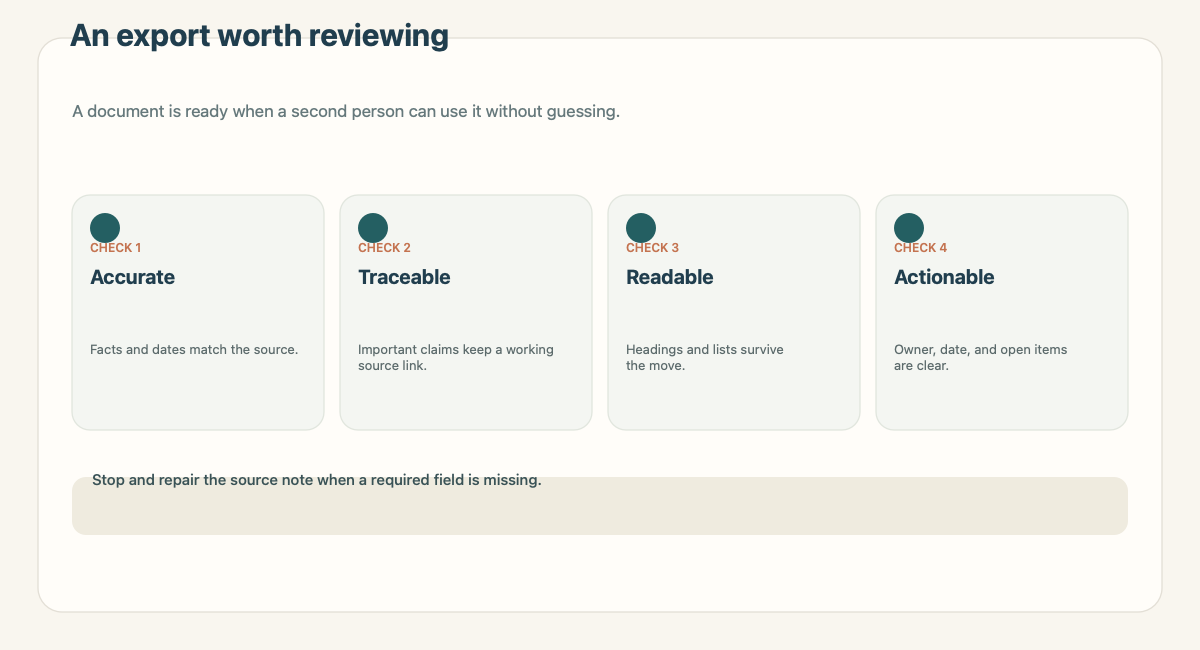
The checklist
| Check | Pass when | Stop when |
|---|---|---|
| Source | The original file, message, or URL is named and reachable | The key claim has no traceable origin |
| Scope | The document says what it covers and what it leaves out | The reader cannot tell which decision or task it serves |
| Evidence | Important claims point to a passage, page, figure, or value | An interpretation is presented as a quote or confirmed fact |
| Structure | Headings and fields match how the destination will be used | A table or list makes the information harder to scan |
| Ownership | Confirmed actions name an owner and date | The owner or deadline is invented or unclear |
| Links and media | Important links open and images have context | An attachment or link is missing or inaccessible |
| Permissions | The right people can view or edit the destination | Access has not been checked |
| Open items | Unresolved questions are visible and specific | A decision is implied before it is confirmed |
The checklist is not a score. A single failed source or permission check may be enough to delay the handoff. Other issues can be fixed during the review, as long as the document is not passed along as complete first.
1. Confirm the source
Write down where the information came from. A URL, file name, original sender, or capture location is usually enough. If the source changes over time, add the date you saved it. If a claim relies on one section of a long report, point to the section or page.
The W3C's PROV overview treats provenance as information about the people, activities, and entities involved in producing data. A handoff note does not need a formal model, but it benefits from preserving the same relationships: source, action, and resulting note.
Stop if the source cannot be named and the claim would affect a decision. Ask for the origin or rewrite the claim as an unverified note. Do not fill the gap with a confident sentence.
2. Separate evidence, interpretation, and decision
A useful document may contain all three, but the reader should be able to tell them apart. Quote a short passage when exact wording matters. Add a nearby note for your interpretation. State whether a decision is confirmed or still waiting on someone.
For example, a notice may say a review is planned for Thursday. Your note might infer that the project deadline will move. That inference should remain an open question until the owner confirms it. A clear label prevents the later reader from treating the inferred date as a new instruction.
If two sources disagree, record both. Include the dates and the parts that conflict. The checklist is there to expose disagreement, not flatten it into a single answer.
3. Match the structure to the destination
A long explanation can be a page. Repeating records may work better as rows with consistent fields. A shared draft should make comments and unresolved questions easy to locate. A Markdown note can travel with its links when a workspace is built around files.
Notion's official import documentation lists Markdown, text, CSV, HTML, PDF, and other supported sources, with different mapping behavior. Before importing, decide whether each item should become a page or a database record. The import step does not decide that for you.
For a repeated record, name columns by meaning. “Captured” and “Source URL” are easier to maintain than “Column C” and “Link 2.” For a narrative page, use headings that match the questions a reader will ask. Avoid one oversized table when each row needs an explanation.
4. Check who owns the next step
An action without an owner is a question. A date without a confirmed source is a guess. If a next step is real, include the person responsible and the date they agreed to. If either detail is missing, mark it as open.
Keep the decision distinct from the task. “Approve the new terms” is a decision. “Ask the owner to review the terms by Friday” is an action. The person who reads the note should not have to infer which one is expected.
5. Check the destination and permissions
Open the final location, not just the file on your computer. Test the source URL. Check embedded images and attachments. For a database, inspect records with long text, empty fields, and dates. For a document intended for collaboration, confirm that the intended reviewers can access it and can leave feedback.
For Google Docs, comments can stay beside the passage they refer to, and action items can be assigned through comments. Google's comment and action item guide explains the available controls. Google also documents how to inspect edits through version history. These features help with review, but they do not replace naming the source or checking access.
If a destination changes permissions, ask whether the document contains material that should not be shared with the wider group. A clean transfer can still be the wrong transfer if the audience is wrong.
6. Preserve unresolved questions
A document should not hide its uncertainty. Put a specific question where the reviewer can see it: “Did the agenda link change?” is better than “Check details.” If a question blocks the next step, say so. If it does not, state what can proceed while it remains open.
Do not remove a question just to make a document feel complete. A visible unknown is safer than a polished guess. If the issue is settled later, add the answer and its evidence.
A quick review sequence
Before exporting, read the document in this order:
- Read the title and opening paragraph. Can a reader tell what the document is for?
- Open the source links. Do they point to the material used?
- Compare claims, figures, and dates against the source.
- Scan headings, tables, and attachments in the destination.
- Check ownership, permissions, and open items.
This order starts with meaning, then checks the evidence and the handoff. It avoids spending time fixing typography while the underlying decision is still unclear.
Use the checklist with Recap
Recap is positioned as a source-first product: a source becomes a structured, readable Recap Document before the user chooses Calendar, Workspace, or Learning. That product description does not mean every source needs every next step. Use source-to-workspace when the organized material belongs with a project or knowledge base. See the source-to-workspace workflow guide for a broader handoff rubric and the source-to-structured-document page for the document stage.
Keep the checklist independent of any one application. A workspace can hold a record, but the source and evidence still determine whether that record is reliable. When a handoff fails, repair the missing relationship first. Formatting is easier to fix after the reader knows what the document says and why.
Continue in Recap
Turn this source into a Recap Document
Make it easier to read, then send time-based details to Calendar, export it to Workspace, or start PBL Learning.