
Use your existing tools
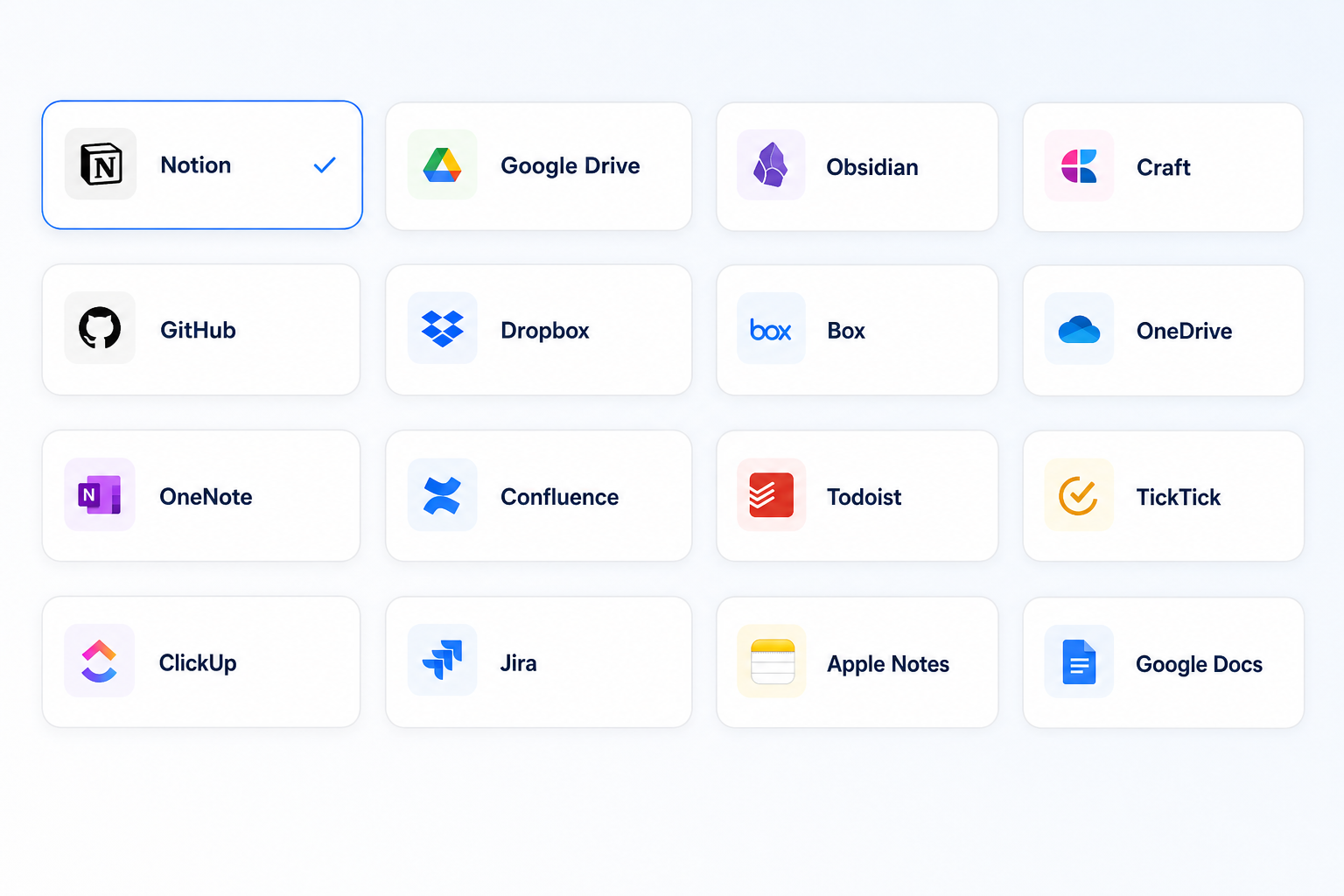
Export a structured document to your workspace
Create a Recap Document first, then move the result into the notes, docs, or workspace system where your work already lives.
What it helps with
A clearer way to inspect the material.
- Create a readable document before exporting
- Keep useful source context with the result
- Continue work in your preferred workspace
Keep the boundary clear
What it does not do
Recap does not replace your workspace or silently modify content there without your action.
Bring in
Sources you already have.
- Webpages
- PDFs and documents
- Images
- YouTube videos
- Presentations
Recap Document
A document mode that fits the source.
- Action
- Decision
- Understanding
- Reference
How it works
From source to a useful next step.
- 01
Bring in one source
Add a webpage, document, image, YouTube video, or presentation to Recap.
- 02
Read the Recap Document
Recap organizes the source into an Action, Decision, Understanding, or Reference document.
- 03
Choose the next step
Send time-based details to Calendar, export the document to Workspace, or start PBL Learning.
Keep exploring
More ways to work with a source.
Recap tool
Source to Document
Turn a webpage, PDF, image, video, or presentation into a structured readable Recap Document, then choose a useful next step.
Open toolRecap tool
Text Simplifier
Make dense source material easier to understand by turning it into a structured readable Recap Document.
Open toolRecap tool
Screenshot to Calendar
Turn time-based details in a screenshot into a reviewable Calendar Sheet before sending them to your calendar.
Open toolFrom the journal
Read the deeper guide.
Guides and Tutorials
How to Prepare Notes Before Exporting to Notion
Prepare notes before importing to Notion by checking source links, tables, attachments, page structure, and field mapping, then verify the result after transfer.
Guides and Tutorials
A Source-to-Workspace Workflow That Keeps Context Intact
Learn a five-part source-to-workspace workflow for keeping origin, evidence, decisions, and next actions intact in Notion, Obsidian, Google Docs, or another system.
Guides and Tutorials
Choose an All-Day Entry for a Date-Only Deadline
Keep a date-only deadline visible without inventing a cutoff. Separate an all-day entry, a personal reminder, and the actual registration deadline.
Guides and Tutorials
A Calendar Review Template for Ambiguous Event Notices
Copy a calendar review template that separates stated event details, personal planning choices, and unknowns before you confirm a calendar entry.
FAQ
Questions before you start.
Ready when you are