
Understand dense text
Make complex source material easier to understand
Bring in dense text and get a structured Recap Document that surfaces its main ideas, evidence, and relationships.
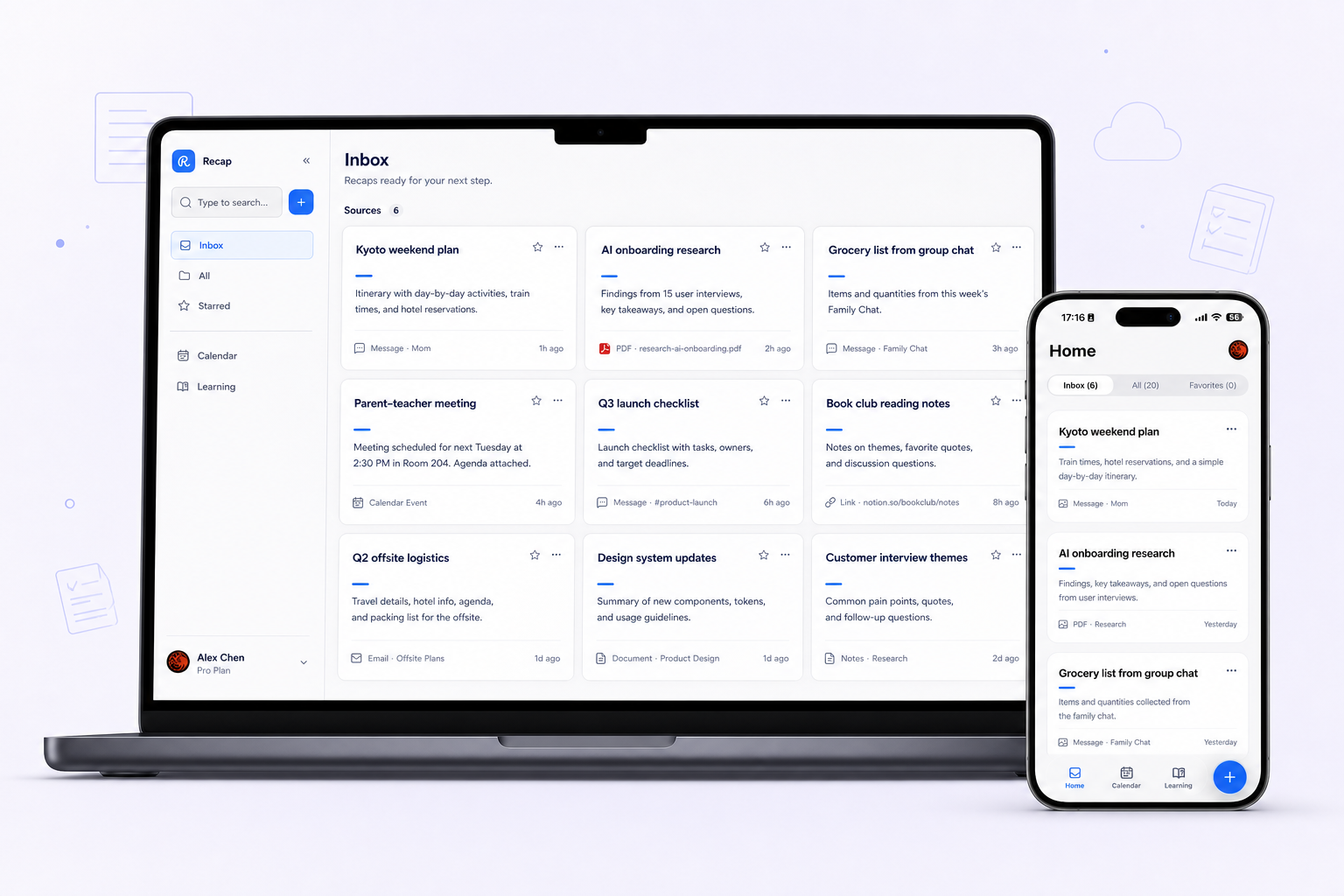
What it helps with
A clearer way to inspect the material.
- Find the main ideas in long or dense material
- See supporting evidence in a clearer structure
- Continue into question-driven PBL Learning when needed
Keep the boundary clear
What it does not do
It does not rewrite every sentence at a lower reading level or alter the meaning of the original source.
Bring in
Sources you already have.
- Webpages
- PDFs and documents
- Images
- YouTube videos
- Presentations
Recap Document
A document mode that fits the source.
- Action
- Decision
- Understanding
- Reference
How it works
From source to a useful next step.
- 01
Bring in one source
Add a webpage, document, image, YouTube video, or presentation to Recap.
- 02
Read the Recap Document
Recap organizes the source into an Action, Decision, Understanding, or Reference document.
- 03
Choose the next step
Send time-based details to Calendar, export the document to Workspace, or start PBL Learning.
Keep exploring
More ways to work with a source.
Recap tool
Source to Document
Turn a webpage, PDF, image, video, or presentation into a structured readable Recap Document, then choose a useful next step.
Open toolRecap tool
Screenshot to Calendar
Turn time-based details in a screenshot into a reviewable Calendar Sheet before sending them to your calendar.
Open toolRecap tool
Source to Workspace
Turn a source into a structured Recap Document and export it to the notes or workspace tools you already use.
Open toolFrom the journal
Read the deeper guide.
Guides and Tutorials
Turn Customer Feedback Into a Structured Note
Organize one customer-feedback message without inventing a cause or a trend. Keep reported behavior, feature requests, and follow-up questions separate.
Guides and Tutorials
How to Build a Decision Brief From One Source
Build a decision brief from one source with a reusable template, source-backed facts, reader criteria, worked examples, and questions to resolve.
Guides and Tutorials
Turn a Policy Notice Into an Action Brief
Read a service-change notice by scope, date, and applicability. Create an action brief that keeps publisher instructions apart from your own plans.
Guides and Tutorials
Turn a Product Review Into a Decision Brief
Turn a product review into a buyer-specific brief. Separate specifications, reported tests, personal requirements, and evidence still needed.
FAQ
Questions before you start.
Ready when you are