
Learn from a source
Start question-driven PBL Learning from a source
Use a structured Recap Document as the foundation for questions, concise answers, evidence, explanation, reflection, and follow-up questions.
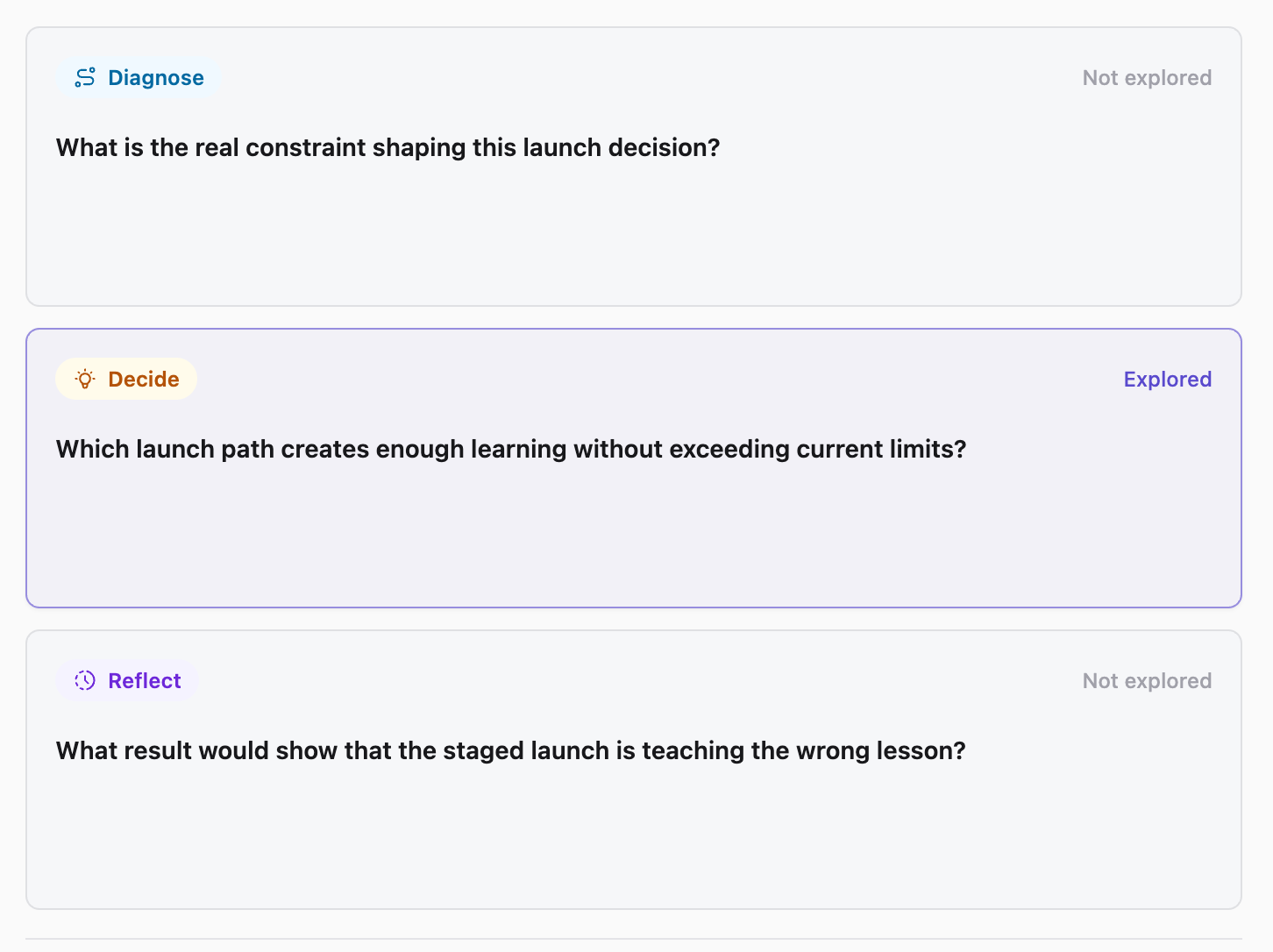
What it helps with
A clearer way to inspect the material.
- Ask focused questions grounded in the source
- Connect answers to evidence and explanation
- Turn valuable question cards into flashcards
Keep the boundary clear
What it does not do
It is not a course platform, quiz engine, or replacement for independent judgment.
Bring in
Sources you already have.
- Webpages
- PDFs and documents
- Images
- YouTube videos
- Presentations
Recap Document
A document mode that fits the source.
- Action
- Decision
- Understanding
- Reference
How it works
From source to a useful next step.
- 01
Bring in one source
Add a webpage, document, image, YouTube video, or presentation to Recap.
- 02
Read the Recap Document
Recap organizes the source into an Action, Decision, Understanding, or Reference document.
- 03
Choose the next step
Send time-based details to Calendar, export the document to Workspace, or start PBL Learning.
Keep exploring
More ways to work with a source.
Recap tool
Source to Document
Turn a webpage, PDF, image, video, or presentation into a structured readable Recap Document, then choose a useful next step.
Open toolRecap tool
Text Simplifier
Make dense source material easier to understand by turning it into a structured readable Recap Document.
Open toolRecap tool
Screenshot to Calendar
Turn time-based details in a screenshot into a reviewable Calendar Sheet before sending them to your calendar.
Open toolFrom the journal
Read the deeper guide.
Guides and Tutorials
How to Learn From a Source With Question-Driven PBL
Use question-driven PBL to learn from a source: trace evidence, explain the main idea, test what you remember, and identify what remains uncertain.
Guides and Tutorials
How to Build a Source-Grounded AI Study Guide
Build an AI study guide with evidence anchors, learner explanations, checkable questions, and a verification pass for claims and uncertain details.
Guides and Tutorials
AI Study Guide: Build Questions, Evidence, and Reflection from a Source
Build a useful AI study guide from a structured source with focused questions, concise answers, evidence, explanation, and reflection.
Guides and Tutorials
Choose an All-Day Entry for a Date-Only Deadline
Keep a date-only deadline visible without inventing a cutoff. Separate an all-day entry, a personal reminder, and the actual registration deadline.
FAQ
Questions before you start.
Ready when you are